Night Shift not warm enough? What to do, step by step
Night Shift's warmest step, More Warm, is a mild orange: Apple publishes no figure, and independent measurements put it around 2700 to 3000K. It still works on M5 Macs. To go warmer, or to deep red that stays readable, Atapa continues to 500K and dims below the lowest brightness step. Checked on an M5 Pro, macOS 27.2, 29 October 2026.

Kevin Hofmann, maker of Atapa. Updated . We make Atapa. Corrections welcome at hello@atapa.app.
Night Shift works, and it is the right first step. This guide starts by making sure you have all of it, then covers what to do when all of it is not enough.
Step 1: push Night Shift all the way
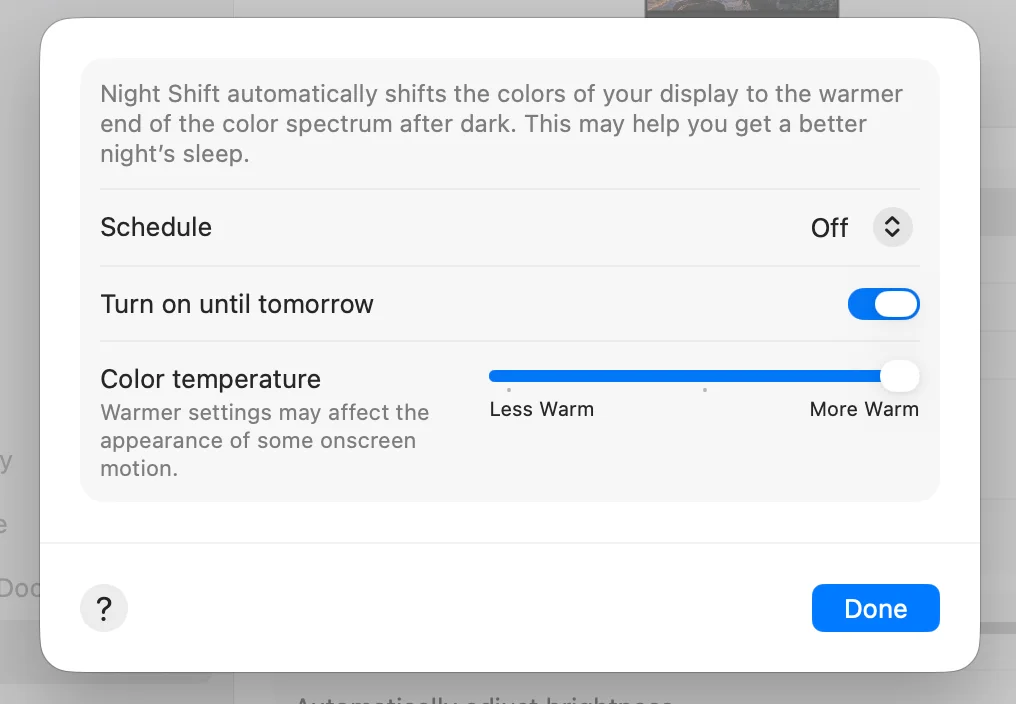
- Open System Settings, Displays, and click Night Shift.
- Set Schedule to Sunset to Sunrise, or turn on “Turn on until tomorrow” to try it now.
- Drag Color temperature all the way to More Warm.
That is as warm as Night Shift goes. Apple does not publish a kelvin figure; independent measurements put More Warm around 2700 to 3000K, about a tungsten bulb. On our 14-inch M5 Pro, macOS 27.2, on 29 October 2026, it was a mild orange and never red. There is no hidden setting beyond the slider.
Step 2: check whether a dark room is the real problem
If the screen looks fine at 19:00 and too bright at 23:00, color is only half of it. Night Shift does not dim. The brightness keys stop at the panel’s lowest backlight step, which is still bright in a dark room. System Settings, Accessibility, Display, Reduce white point goes a little lower for free. Going darker still, on a schedule, is covered in the guide to a screen darker than the minimum.
Step 3: go warmer than Night Shift with Atapa
Atapa is our app. It is $12 once for all of your own Macs, with a 14-day trial that asks for no card.
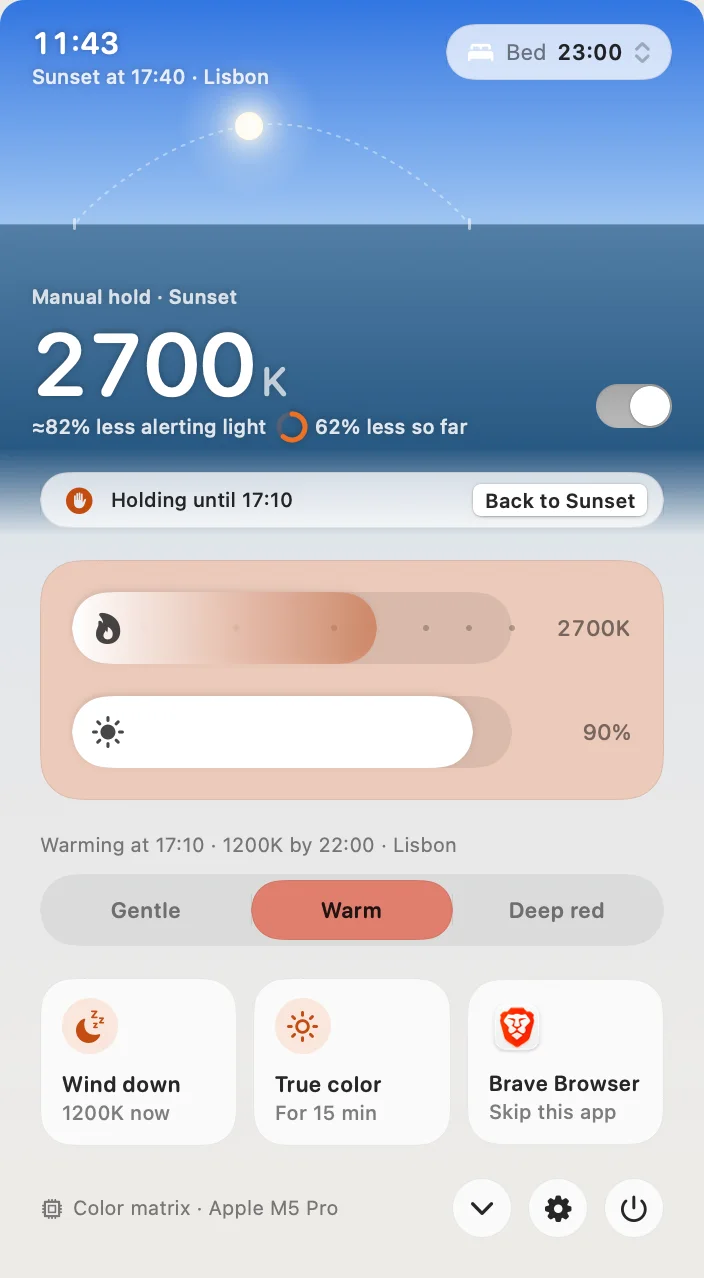
- Download Atapa and open it. Setup asks one question: when do you usually go to bed? The default is 23:00.
- Pick an intensity in the popover: Gentle ends the night at 1900K, Warm at 1200K, Deep red at 500K. Warm is the default. All three are warmer than Night Shift’s More Warm.
- Leave it. Warming starts 30 minutes before sunset, the deepest stop comes an hour before your bedtime, and daylight is back by wake-up.
To see tonight’s deepest stop right now, click Wind down. Hold ⌥⌘T to see true color for a moment. ⌃⌥⌘⌫ resets everything.
What each stop looks like
Simulated with Atapa’s own color math, on a P3 panel model, at 100% brightness. The last column is Atapa’s estimate of melanopic light against an untouched screen; the method is on the science page.
| Stop | White point | Melanopic light, less than untouched | Compared with Night Shift |
|---|---|---|---|
| 3400K, Evening preset | #FFCA86 | 66% | Cooler than More Warm |
| 2700K | #FFB359 | 80% | About Night Shift’s More Warm |
| 1900K, Gentle | #FF8B00 | 93% | Warmer; amber |
| 1200K, Warm | #FF4F00 | 98% | Deep orange, Readable red partly in |
| 500K, Deep red | #FF0000 | 100% | Deep red, links still visible |
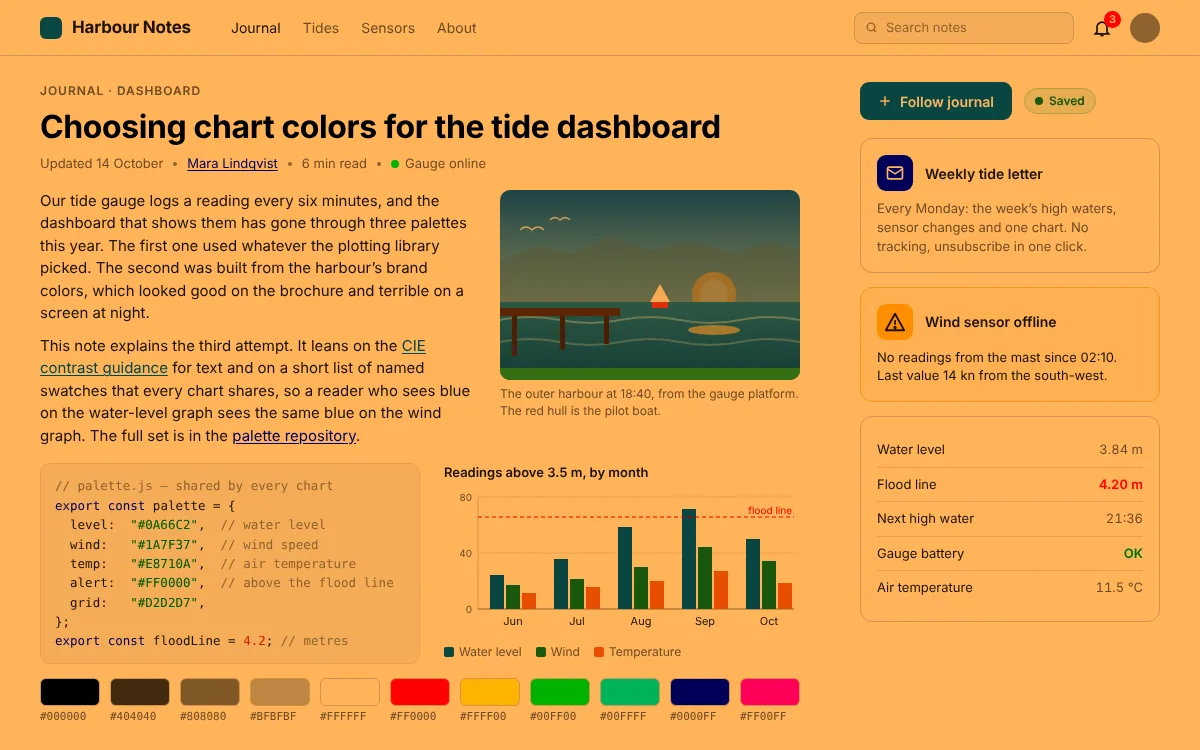
Simulated with Atapa’s own color math.
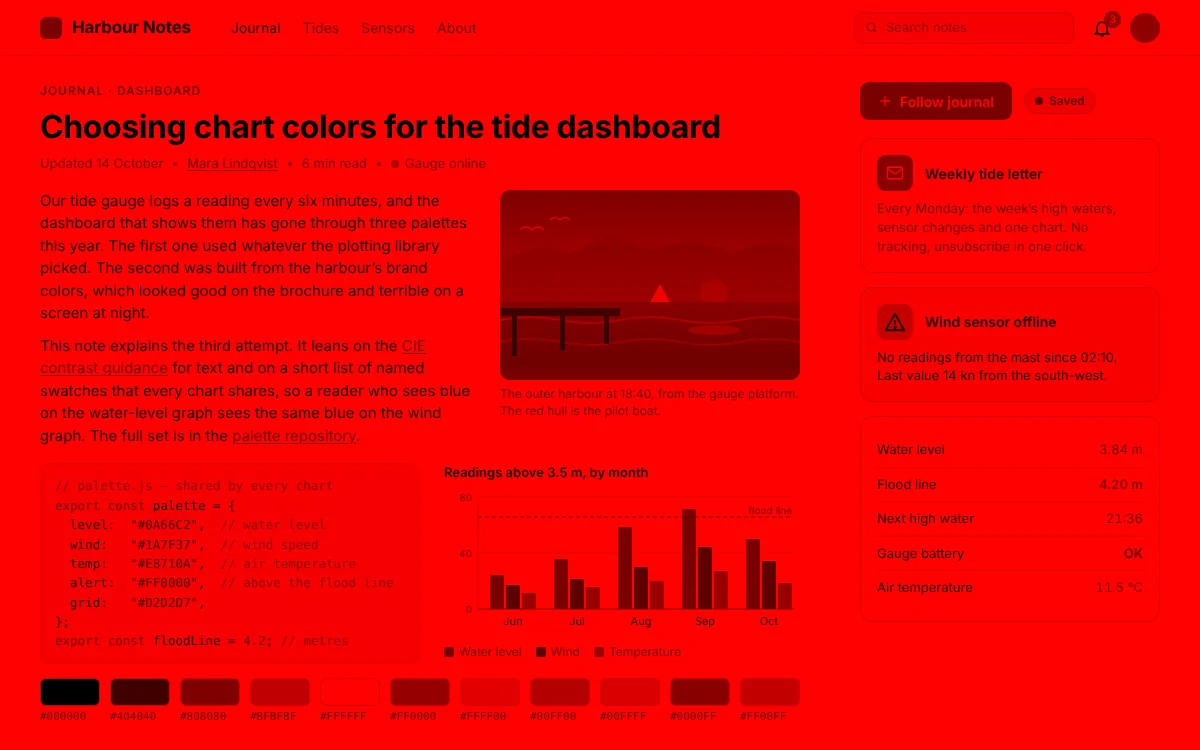
Simulated with Atapa’s own color math.
If you are on an M5 Pro or M5 Max
Night Shift still works on these Macs. f.lux and other apps that tint through a gamma table do not: macOS accepts the table and never applies it (an Apple bug, still open on macOS 27.2 as of 26 October 2026). On our M5 Pro on 29 October 2026, f.lux 42.2 said it was on and the panel did not change, Sundown 1.6.4 showed its own notice that warming is not available on this Mac yet, and Atapa went to 500K. Atapa tints in the display pipeline, not through the gamma table. The one-minute check and the sources are on the M5 page.
Keep Night Shift on or off?
Either. Atapa does not switch Night Shift off, and it shows a tip in Settings, Comfort, Prompts and tips, when both are on. If you let Atapa run the evening, Night Shift adds nothing at the deep stops and you can leave its schedule as it was.
Readable red, not just red
A plain red filter switches blue and green off, so links and icons go black. Below 1500K Atapa folds those channels into red instead, so at 500K a blue link is still a visible darker red and the text is sharp. If you want the plain filter, Settings, Comfort, Red style offers Pure red. The details and the numbers are on the Readable red page.
After the trial
Atapa never stops working. Days 1 to 14 are the trial. Days 15 to 28 are the full app with a banner. From day 29 without a key, warmth stops at 2700K, about Night Shift’s warmest, while dimming, the evening curve and Shortcuts keep working. Deep red needs a licence, $12 once for all of your own Macs. Intel Macs are not supported in 1.0.
Questions
How warm does Night Shift go?
Apple does not publish a kelvin value. Independent measurements put the More Warm end of the slider around 2700 to 3000K, about the color of a tungsten bulb. On our 14-inch M5 Pro, macOS 27.2, on 2026-10-29, More Warm was a mild orange and never red. There is no hidden setting to push it further; the slider's right end is the limit.
Is Night Shift broken on M5 Pro?
No. Night Shift works on M5 Pro and M5 Max. It is apps that tint through a gamma table, f.lux among them, that report success and change nothing there (an Apple bug; the details are on our M5 page). On our M5 Pro on 2026-10-29, f.lux 42.2 did not change the panel and Night Shift did. If Night Shift moves the color on your Mac and f.lux does not, you are seeing that bug, not a Night Shift fault.
What is warmer than Night Shift on a Mac?
Atapa goes from 6500K to 500K and dims below the lowest brightness step. Its three evening intensities end the night at 1900K (Gentle), 1200K (Warm) and 500K (Deep red), all warmer than Night Shift's More Warm. Below 1500K, Readable red folds blue and green into red so links stay visible. f.lux reaches about 1200K with its Ember effect on Intel and M1 to M4 Macs, but not on M5 Pro or M5 Max.
Do I turn Night Shift off when I use Atapa?
You can leave it on. Atapa does not switch Night Shift off and shows a tip in Settings, Comfort, when both are running. The simplest setup is to let Atapa run the evening: its curve already starts 30 minutes before sunset and reaches its deepest stop an hour before your bedtime, and that stop is warmer than anything Night Shift reaches.
Does a warmer screen help me sleep?
We do not claim that. What the research shows is that melanopic sensitivity peaks in the blue and that evening light should be dim and low in melanopic content. A warmer, dimmer screen emits less of that light; Atapa's estimate at 2700K is about 80% less than an untouched screen, and at 500K about 100%. Whether that changes your sleep depends on much more than the screen. The science page has the sources.