Download Atapa for Mac.
Atapa 1.0 for Mac, 3.3 MB, requires macOS 14 or later on Apple silicon. Intel Macs are not supported in 1.0. The download is a notarized disk image. The tint does not need Screen Recording. Accessibility is asked only if you want the brightness keys to drive the dimming.
Free for 14 days · no card · no account
SHA-256: 02e5cb6ddc6fa99c324e4a06e1f6ad48f518e46a560b18d4a14a0ce0e6990f37
Requirements
- macOS
- macOS 14 or later
- Chip
- Apple silicon (M1 or later). Intel Macs are not supported in 1.0.
- M5 Pro and M5 Max
- Works on M5 Pro and M5 Max MacBook Pros, including the built-in display (why that matters).
- Network
- No account. No network access. The app has no network code.
Install in three steps
-
Open the disk image and drag Atapa to Applications.
The app is signed with a Developer ID and notarized by Apple, so macOS opens it without a warning. The first launch may take a second while macOS verifies it.
-
Answer one question: when do you usually go to bed?
That is the setup. Sunset comes from your time zone. Atapa warms from sunset, is deepest an hour before bed, and is back to daylight when you wake.
-
Pick how far it goes: Gentle, Warm or Deep red.
Warm is the default and ends the night at 1200K. Deep red goes to 500K and stays readable. Change it any time from the menu bar.
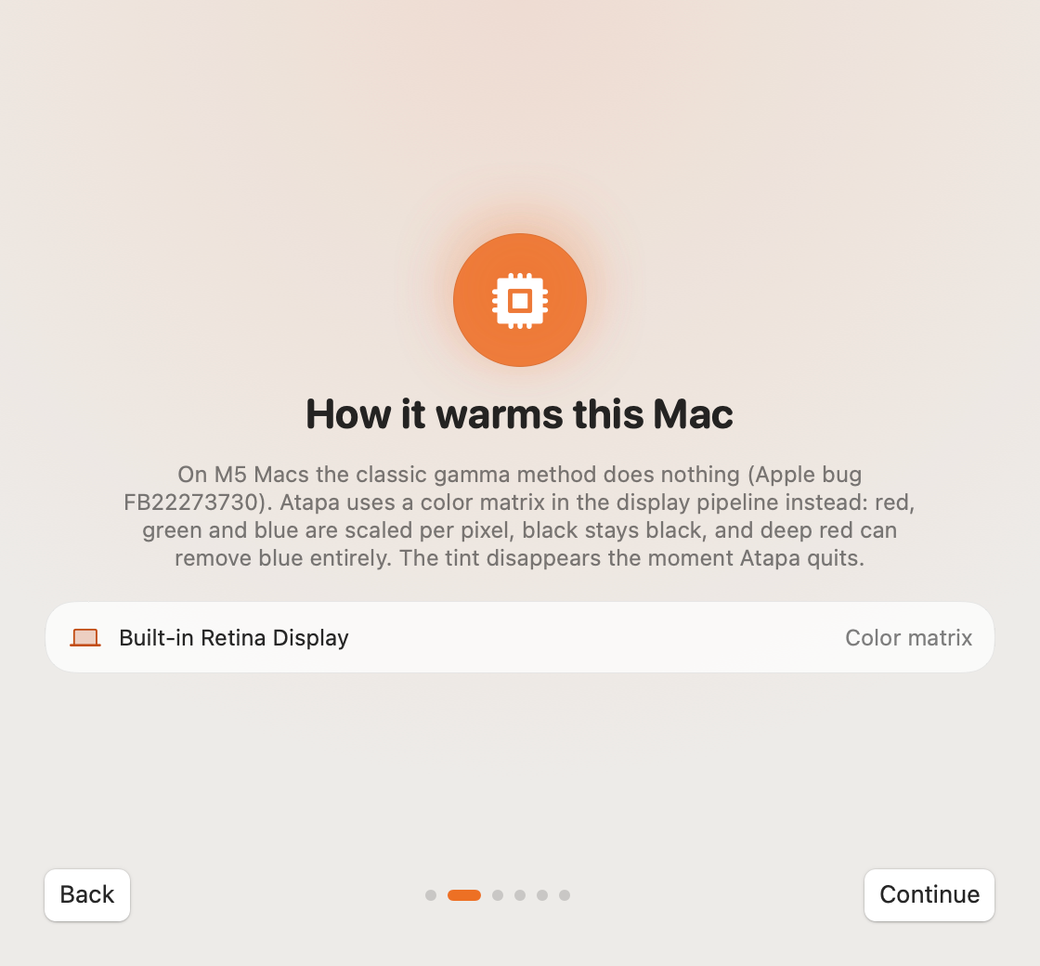
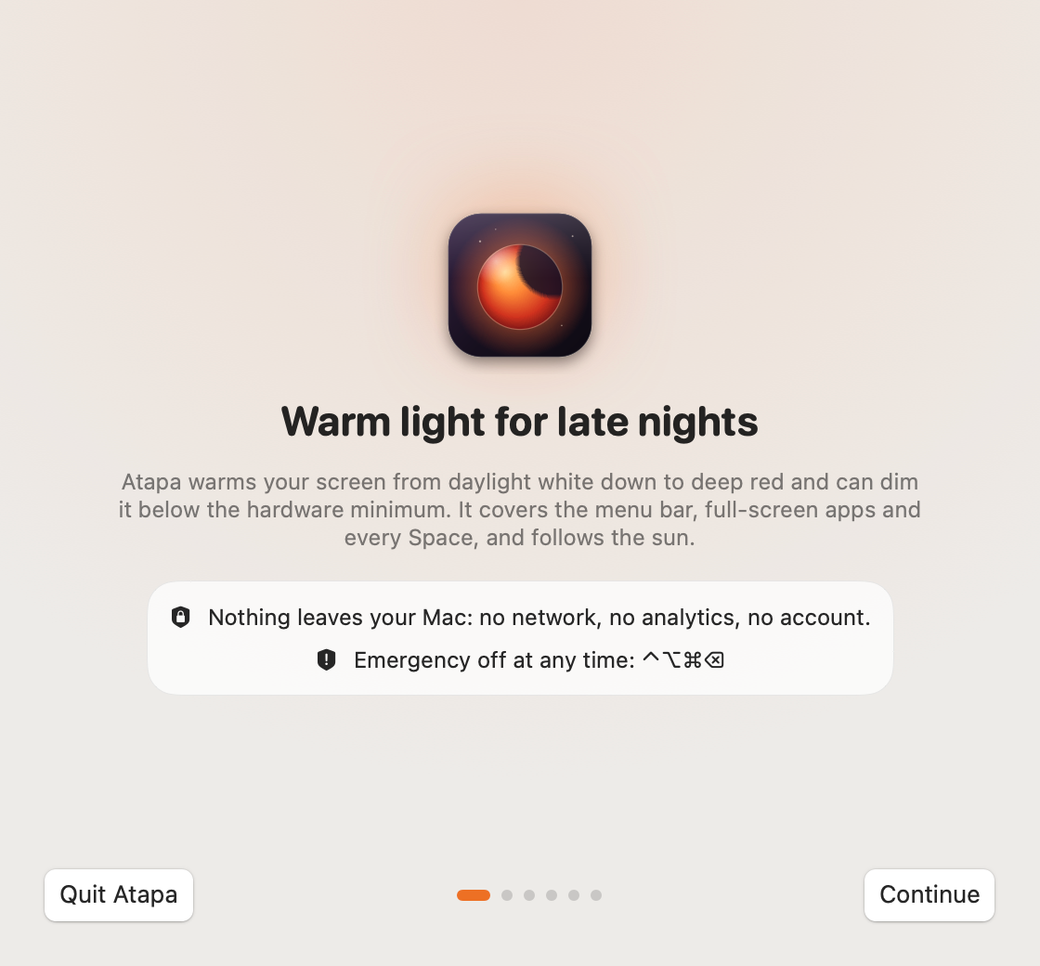
On first launch
Location is optional
Your time zone is enough for sunset. If you want the real sun for your exact place, allow location once; it is used on your Mac and never sent anywhere.
Accessibility only for the brightness keys
If you want the F1 and F2 keys to drive Atapa's dimming below the minimum, macOS needs Accessibility to see them. Leave that switch off and Atapa never asks.
Look for the sun in the menu bar
One click opens the popover. Right-click for the compact menu. If the icon is hidden by a crowded menu bar, Atapa tells you once.

Turn off f.lux and Night Shift
They stack with Atapa. Night Shift is in System Settings › Displays. Atapa reminds you once if Night Shift is on.
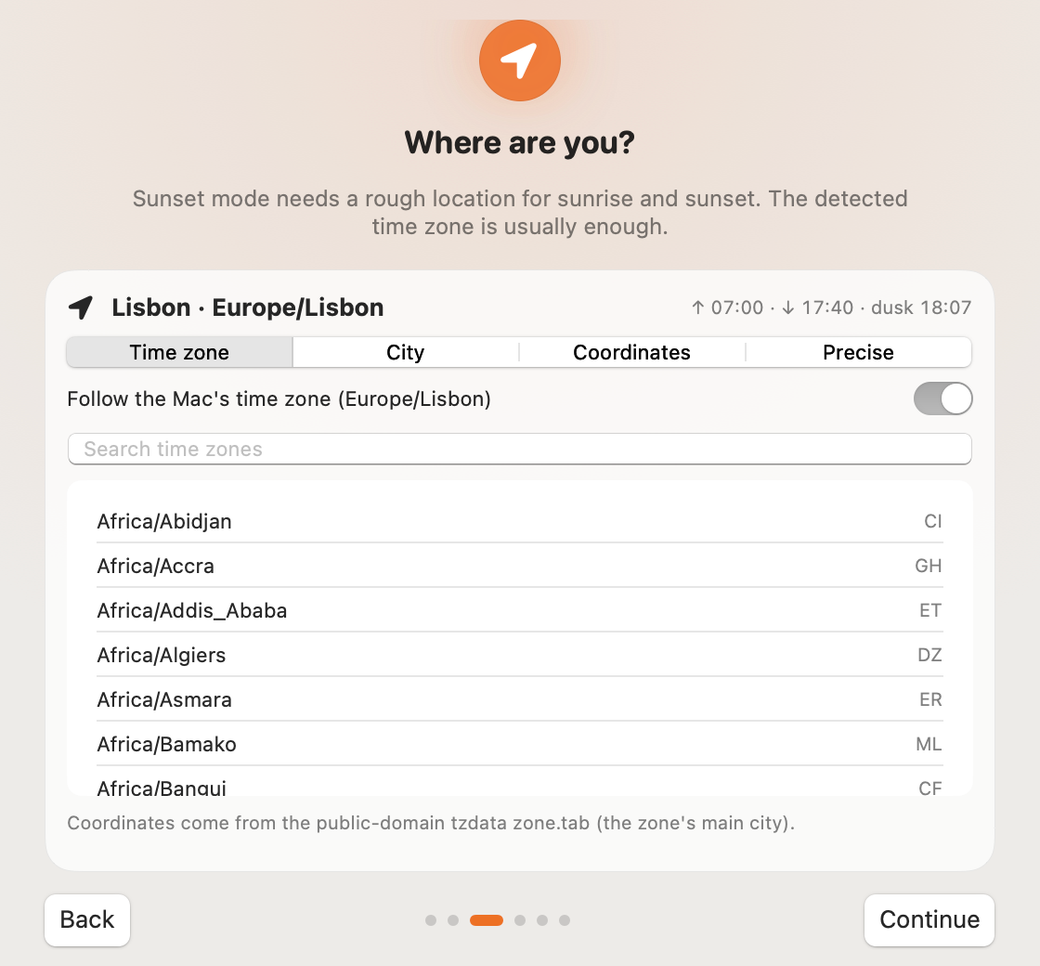
Uninstall
Quit Atapa
From the menu bar icon, or ⌘Q with the popover open. The screen returns to true color.
Drag Atapa from Applications to the Trash
That removes the app and the guard process that lives inside it.
Optional: remove the settings
In Terminal:
defaults delete app.atapa.Atapa
Tested on a 14-inch MacBook Pro, M5 Pro running macOS 27.2 on 2026-10-29. Questions: hello@atapa.app or support.
Download questions
Does Atapa need Screen Recording permission?
No. The tint is applied in the display pipeline, not by reading the screen. Atapa asks for nothing at install.
Why does it ask for Accessibility?
Only if you turn on the brightness-key control. macOS requires Accessibility to see the brightness keys. Leave it off and Atapa never asks.
Is location required?
No. Sunset comes from your time zone. Precise location is optional, used once on your Mac to place the sun exactly, and never sent anywhere.
Does it work on Intel Macs?
Not in 1.0. Atapa is built for Apple silicon. A universal build is possible later; the display-pipeline path is untested on Intel.
Is the trial the full app?
Yes, for 14 days, no card. After that a banner asks for a key, and from day 29 warmth stops at 2700K until you enter one. It never stops working.
How do I uninstall it?
Quit Atapa from the menu bar, then drag it from Applications to the Trash. Optional: run "defaults delete app.atapa.Atapa" in Terminal to remove its settings.